
 Follow on Google
Need to check if your APY account is crediting your contributions? There’s no need to visit your bank branch to get basic APY account information or recent transactions. All APY subscribers can access account details through digital means.
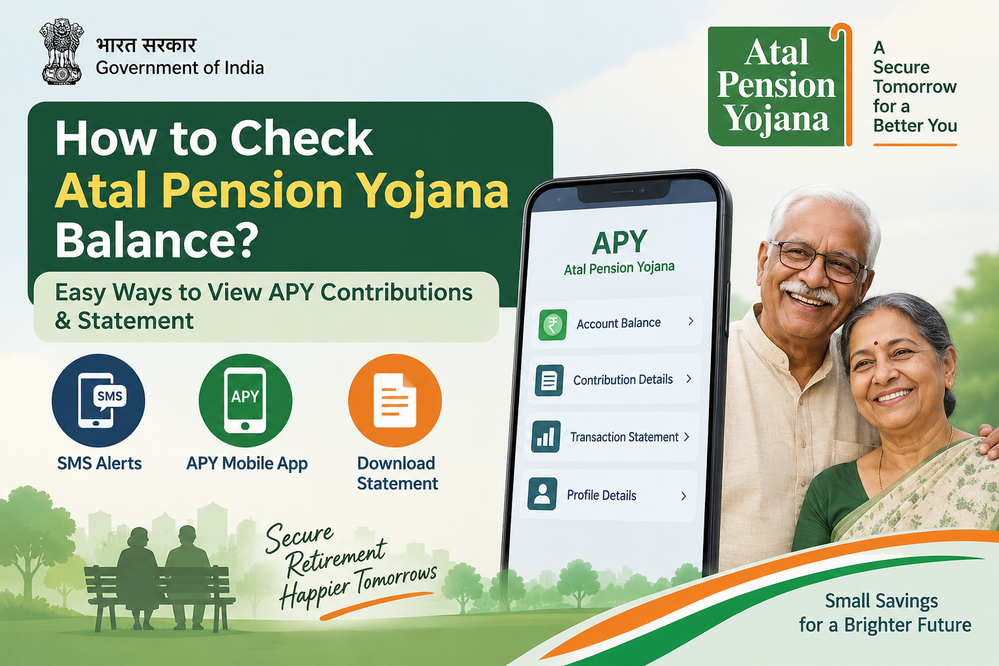
As the Pension Fund Regulatory and Development Authority (PFRDA) states, APY subscribers can check their PRAN, account balance and latest contribution credits via SMS. And you can also access account information directly through the APY mobile app.
How to Check Atal Pension Yojana Balance Online
One of the easiest options is the official APY mobile facility.
Step 1: Use the APY Mobile App
Search for “APY and NPS Lite” on Google Play Store. Download and open the official APY mobile app.
Step 2: Log in Using Your Details
Enter your PRAN and OTP to login to your APY account. The app allows APY subscribers to view APY account information online.
Step 3: Check Your Account Details
After logging into the APY app, you’ll be able to view details such as:
- Recent APY contributions
- Value of holdings
- Transaction details
- APY account information
- e-PRAN
- Transaction statement
As per official site information, the APY app displays the five most recent contributions. Users can also download their transaction statement and e-PRAN.
Check APY Balance Through Transaction Statement
If you prefer having access to the full transaction history instead of only viewing the latest contribution, you can download your APY Statement of Transaction (e-SOT).
DFS confirms APY account holders can download the transaction statement (financial-year wise), alongside other details such as via e-PRAN/e-SOT.
Is helpful when you want proof that your APY contributions are being credited. For instance, your can cross verify if the automatic debit from your bank account is actually being pushed to your APY account.
Can You Check APY Balance Without Visiting the Bank?
Yes, thankfully APY allows subscribers to view APY account information online without having to visit their bank branch or the post office.
Alongside using the mobile app, APY subscribers also receive regular SMS alerts regarding their APY account. Contribution credits and current APY balance are sent to subscribers via text messages. Plus, APY subscribers receive an annual physical statement sent to the registered address.
What If Your APY Contribution Is Not Showing?
Make sure to first verify your bank account’s outgoing transactions to confirm if the APY amount was deducted.
If yes, but the money isn’t showing in your APY account after usual processing time, get in touch with your bank/Post Office. They are your APY service provider. Remember to have your PRAN and the transaction details on hand.
PFRDA lists the CRA helpline for existing APY subscribers as 1800-889-1030.
Why Checking Your APY Balance Matters
Remember, Atal Pension Yojana is an long-term retirement savings account. Periodically checking your APY balance is more beneficial than knowing how much gets deducted from your bank account every month.
You transaction statement allows you to verify that your: contributions are made regularly, minimum instalments are being credited and you have all the necessary account information recorded.
Plus, as an APY subscriber you make contributions until age 60 as per your selected pension amount and payment frequency. On maturity, your pension guarantee starts from a minimum of ₹1,000 and goes up to ₹5,000 per month depending on the contribution option you selected AND were able to contribute accordingly.
Quick Answer
Use the official APY app by downloading APY and NPS Lite from Google Play Store. Log in with your PRAN and OTP to view account balance and transaction information. View and download your APY transaction statement. Or simply wait for SMS alerts that are automatically sent to your registered mobile number.
Remember to use only official PFRDA/CRA facilities to check APY balance. Unofficial APY account balance websites and apps are not recommended.